
Download MirrorOp Receiver APK – remote PC access, remote control, desktop application, mobile remote, secure remote access
Overview
MirrorOp Receiver is a remote control application developed by Barco NV, designed to transform mobile devices into remote interfaces for desktop computers. The software enables users to access and control their PCs from smartphones or tablets, facilitating tasks such as file browsing, media playback, application launching, and even gaming. This tool is particularly useful for professionals and casual users who need flexible access to their desktop environments without being physically present at the computer. The application operates in conjunction with the MirrorOp Sender app, which must be installed on the target PC. Unlike some remote access tools that rely on unique IDs or passwords, MirrorOp Receiver establishes connections through direct device recognition after the sender app is launched on the computer. This method may offer a simpler setup for users within the same local network. Real-world usage scenarios include remote presentations, media control from another room, or managing work tasks during travel. However, the developer did not provide additional system requirements or detailed use case examples beyond the core functionality.Key Features & Capabilities
- Remote Desktop Control – MirrorOp Receiver allows users to mirror and control their desktop environment directly from a mobile device, enabling navigation through folders, opening files, and launching applications.
- Media Playback Control – Users can stream and play videos from their PC on their mobile device, making it ideal for home entertainment setups or remote access to media libraries.
- Application Launching – The software supports launching desktop applications remotely, allowing users to work on documents or use productivity tools directly from their smartphone or tablet.
- Game Streaming Support – Users can initiate and play PC games through the mobile interface, offering a portable gaming experience, though performance may vary based on network and device capabilities.
- Local Network Connection – The app establishes connections via local network discovery, eliminating the need for external IDs or complex authentication methods when both devices are on the same network.
User Interface, Workflow & Performance
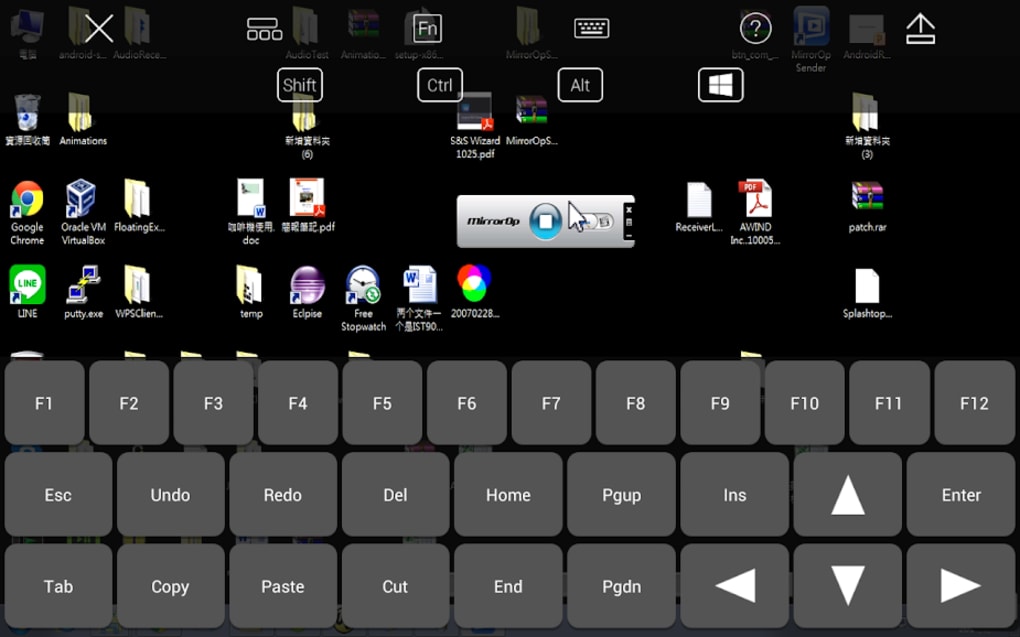
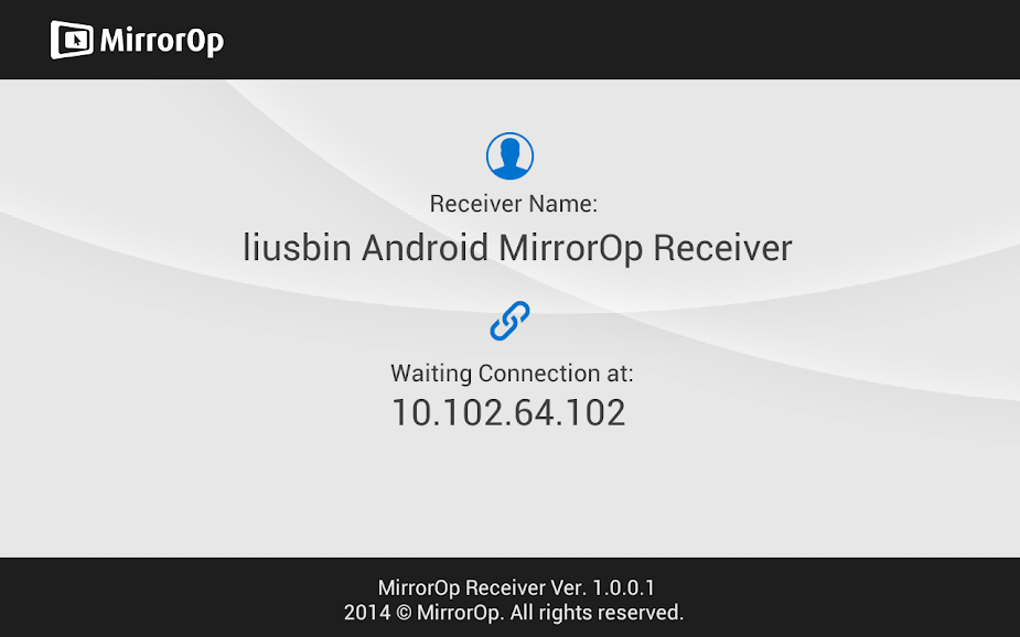
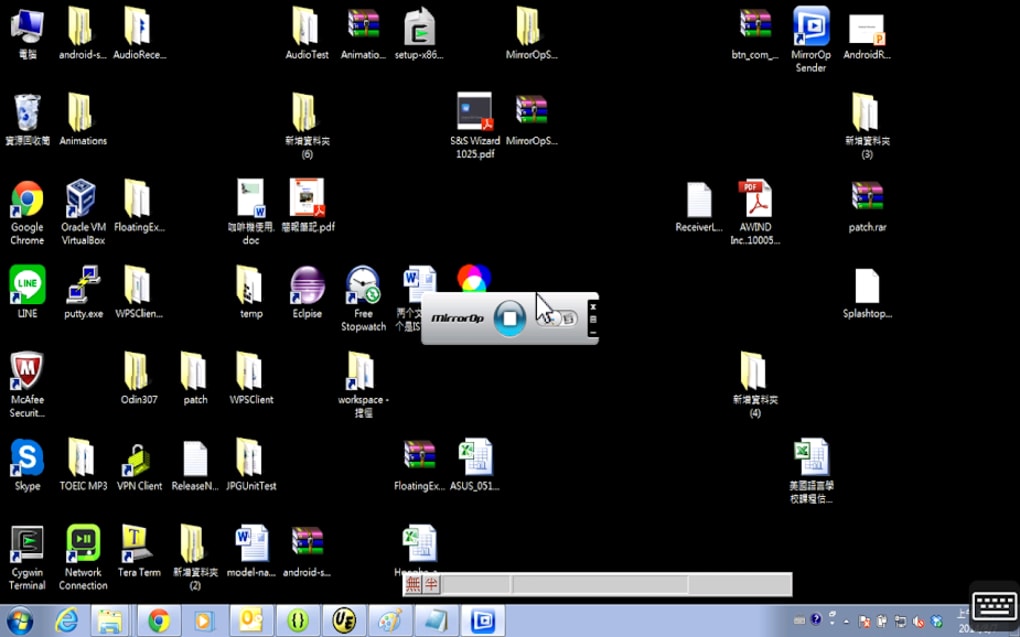
The user interface of MirrorOp Receiver is designed to mirror the desktop environment of the connected PC, presenting a real-time display of the screen on the mobile device. Navigation is handled through touch gestures, allowing users to move the cursor, click, and interact with on-screen elements. The workflow begins with launching the receiver app on the mobile device, followed by activating the MirrorOp Sender on the PC. Once the sender detects the receiver, a connection prompt appears on the mobile screen. After confirmation, the desktop session is mirrored and controlled remotely. The interface is functional but may be challenging on smaller screens due to reduced button size and lower visual clarity. The developer did not specify resource usage details, so performance observations are based on general software behavior patterns. Users may experience delays in response time, especially during intensive tasks or when network conditions are unstable. Stability and CPU/RAM behavior were not documented. Overall, the app’s performance appears to be inconsistent, with reports suggesting occasional disconnections and lag.Compatibility & System Requirements
MirrorOp Receiver is available for Android 5.0 and above, as well as iOS 10.0 and later. The application is not available for Windows or Mac operating systems. The installation size and hardware requirements were not specified by the developer. Platform compatibility information is limited to mobile platforms, with no indication of support for desktop or tablet operating systems beyond the listed versions. The app supports multiple languages, including English, German, Spanish, French, and Portuguese. Compatibility with specific devices or network configurations was not detailed. The developer did not provide additional system requirements or hardware recommendations.Pros and Cons
Pros
- Free to download and use with no premium version
- Simple connection process via local network discovery
- Supports remote control of PC applications, files, and games
- Available in multiple languages for global accessibility
- Does not require IDs or passwords for local network connections
Cons
- Performance issues including lag and slow response times
- Small screen size limits usability for complex desktop tasks
- Occasional disconnections and unstable connections
- Not available for Windows or Mac devices
- Limited documentation and technical support
FAQ Section
Is MirrorOp Receiver compatible with Windows and Mac?
MirrorOp Receiver is not available for Windows or Mac operating systems. It is designed exclusively for Android and iOS devices.
Can I use MirrorOp Receiver without an internet connection?
Yes, the app can operate over a local network without requiring an internet connection, provided both the sender and receiver are on the same network.
Is MirrorOp Receiver safe to download and use?
As a product developed by Barco NV, a company known for visual technology solutions, the app is considered secure. However, users should only download it from official sources to avoid potential risks.
Does MirrorOp Receiver require a subscription or premium version?
No, the app is completely free to download and use. There is no premium version or in-app purchases available.
How do I connect my PC to MirrorOp Receiver?
To connect, install the MirrorOp Sender app on your PC and launch it. Then open the MirrorOp Receiver app on your mobile device. Once the sender detects the receiver, select the device to establish the connection.





.png)

